
Advanced System-Level Modeling and Simulation Tool | MapleSim
Overview
Design and Develop Better with MapleSim
MapleSim is an advanced modeling and simulation tool that helps you reduce development time, lower costs, and diagnose real-world performance issues.
Why Choose MapleSim for your System-Level Modeling Projects
System-level modeling is an extremely effective approach for engineering design projects that can help you reduce development time, uncover problems early in the development cycle, and improve overall designs. However, not every company that adopts this approach succeeds in achieving these benefits because they find it too difficult translate their engineering expertise into their system-leveling modeling tool. With MapleSim, you get an environment that helps you capture, deepen, preserve, and leverage your engineering knowledge so you can truly reap the rewards of system-level modeling and simulation, and create better products, faster.
Key Features of MapleSim
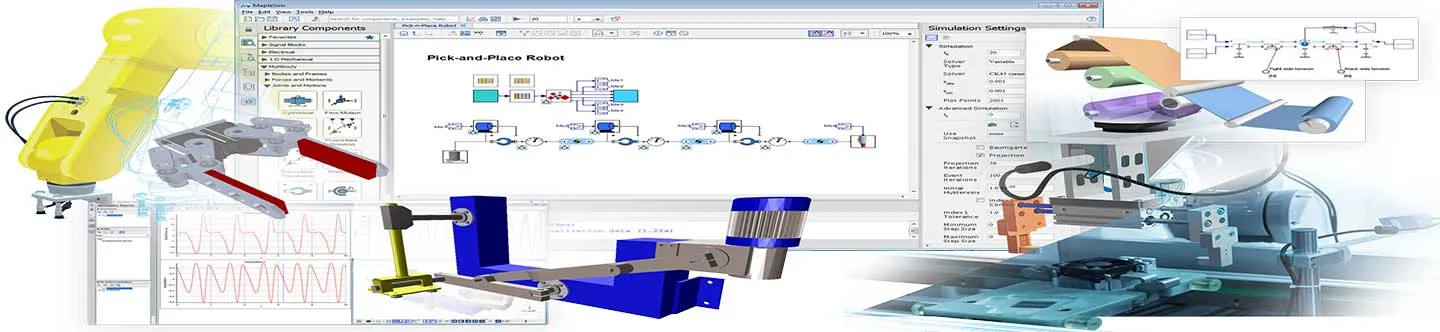
MapleSim is an advanced system-level modeling and simulation tool that applies modern techniques to dramatically reduce model development time, provide greater insight into system behavior, and produce fast, high-fidelity simulations.
Industry Solutions & Application Areas
Maplesoft products and services help engineers build better products in a variety of industries. Select your industry below to learn more about how we can help.
Machine Design & Industrial Automation
Vehicle Engineering
Flexible Modeling Environment
From waterparks to robotic manipulators to space systems – the flexible modeling capabilities of MapleSim lets you start building models quickly, then customize and scale up as your needs grow.
Start building models quickly
MapleSim helps you smoothly transfer your engineering knowledge onto components on the screen that represent the physical model.
CREATE
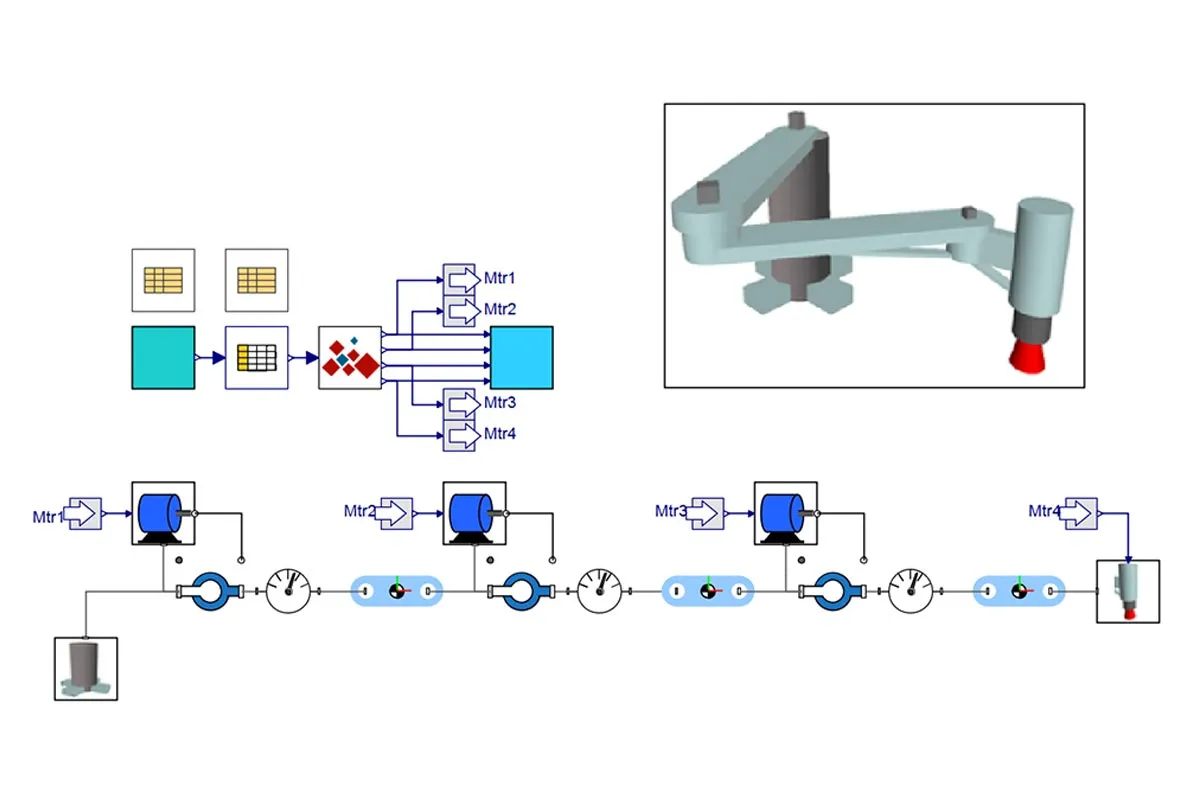
Easily assemble your model by selecting from the built-in physical component and signal-flow blocks.
- Start from imported CAD drawings and specify values and units
- Load a prebuilt MapleSim model from examples across multiple disciplines.
- Drag-and-drop blocks to quickly assemble from scratch.
REFINE
Use the specialized add-on component libraries to fast track your simulation, conveniently adding fidelity to your models.
CUSTOMIZE
Easily generate your own custom components by specifying the representative mathematical equations.
- Define component behavior using differential equations, state space, or transfer functions.
- Fully customize parameters, connection types, and port placements for your component easily using the interactive custom component template.
Multidomain Machine Design
Product development becomes faster for machine builders when using MapleSim, with support for interactions across multiple domains and offering built-in analysis tools to explore designs and solve performance problems.
Accelerate product development through virtual prototyping
You can capture and simulate all the physical elements of your systems in a single modeling environment. MapleSim includes over 900 built-in components from many different domains to support rapid prototyping for exploring control strategies.
Machine builders use virtual prototyping during product development for huge benefits to the project.
- Reduce costs when making design changes by applying them before committing resources to commissioning and ahead of manufacturing a physical prototype.
- Speed up the testing of product variations, performance and reliability. Iterations and parameters can be changed in minutes instead of weeks.
- Use the testing results from the virtual environment to make production decisions or corrections at an earlier phase of the project.
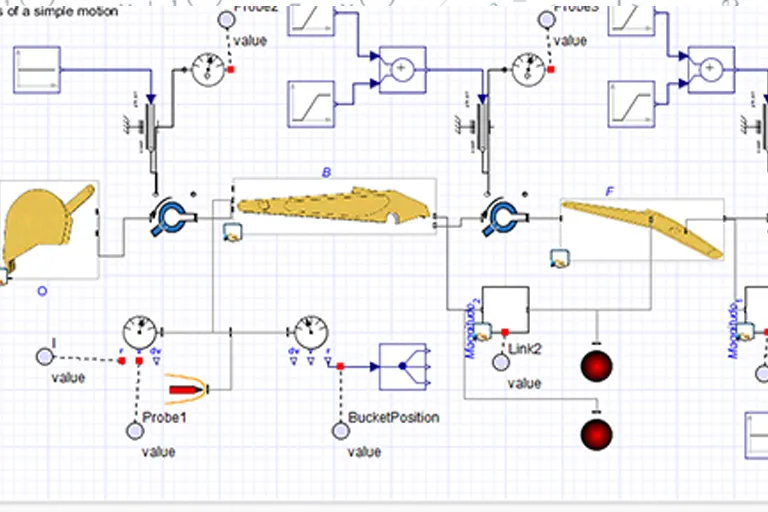
Using the drag-and-drop component libraries you can connect physical blocks, signal-based blocks and add probes and visuals.
Click here to see the range of different domains covered in MapleSim.
The block library can also be extended by creating and sharing custom components, through specialized add-on products, and by importing models from third-party tools.
MapleSim makes it simple to build a system-based model that responds to simulated conditions that mimic the real world and shows the interactions across many engineering domains.
- Rapidly develop multibody simulations of your mechanism, either from a “back-of-a-napkin” sketch or by importing the mechanism assembly from your CAD tool.
- Determine and test the required joint motions to give the desired end-effector motion.
- Right-size the actuator components (hydraulic/pneumatic cylinders, motors, gears, bearings etc.) based on the dynamic loads due to complex inertial loads, friction and driven motion.
- Integrate actuator models with the mechanism for virtual testing of the complete machine.
PLC Connectivity for Automation Systems
Connect a MapleSim model to your automation platform to investigate machine performance, eliminate errors from your PLC code, and give you the building blocks for virtual commissioning and digital twins.
Benefits of connecting your PLC to a MapleSim model
MapleSim generates fast and efficient model code optimized for standard automation platforms. By integrating your controller software with a MapleSim model, you can:
- Take the guesswork out of machine design by using virtual prototypesfor simulation-based motor sizing, PLC code testing, inverse-kinematics and more.
- Speed up the development of control strategies when commissioning a new machine.
- Test PLC code in real-time for systems that require fast simulation speed.
- Use 3-D visualizations to provide quick visual feedback on tests using automation software or the MapleSim Insight add-on.
PLC Connectivity options
Integrate your MapleSim model with your automation software in the following ways:
- Easily convert your model to an FMU (Functional Mockup Unit) for seamless incorporation to common automation platforms including B&R Automation Studio, Beckhoff’s TwinCAT and Rockwell Studio 5000.
- Directly connect your automation tool to MapleSim through the open standard EtherNet/IP industrial protocol compatible with CODESYS-based systems, among others.
- Automatically generate ANSI-C code S-Function blocks to incorporate in controllers as part of your existing toolchain.
Fast Simulation Code
With blazingly fast simulation code, MapleSim models are ideal for testing high-fidelity and hardware-in-the loop applications, and for creating datasets used to train neural networks and autonomous vehicles.
Add model complexity without compromising simulation speed
Whether you are working on hardware, software, or operator-in-the-loop applications, it is critical that your system models have the fidelity to provide accurate results but can still run on a real-time platform within the simulation time step.
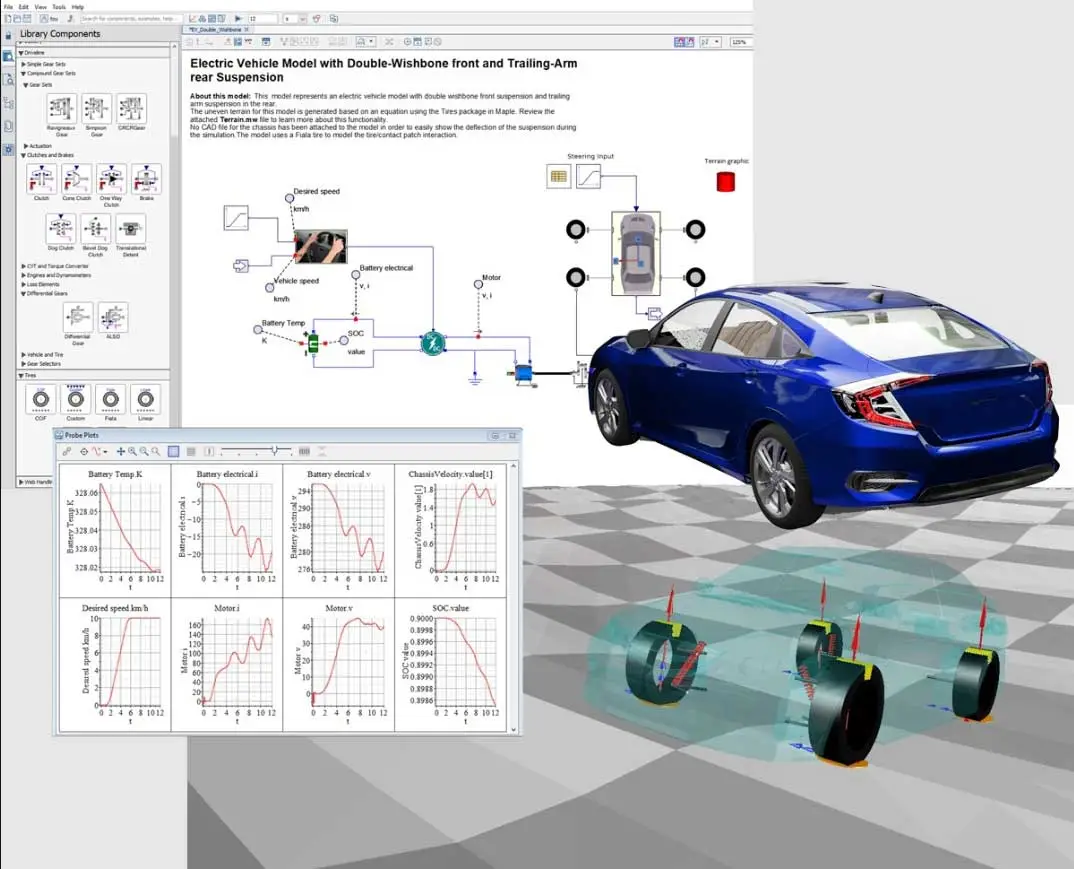
With MapleSim, you do not have to choose between model fidelity and real-time performance.
- Develop code with the fastest possible execution time for your model.
- Maintain model integrity throughout the code optimization process using MapleSim’s lossless equation simplification.
- Tune your model with domain-specific components and specialist applications from the MapleSim add-on libraries.
- Integrate the MapleSim simulation code into popular real-time toolchains and other target destination applications, royalty-free.
- Replace the physical components of Hardware-in-the-Loop (HIL) simulations with a virtual HIL model when testing and designing vehicle control systems.
With MapleSim or MapleSim with a connectivity add-on, engineers have many options for compatible code generation targets. Learn more about optimized code generation in MapleSim.
Learn more about optimized code generation in MapleSim.
MapleSim for Educators and Students
The Modern Approach to Modeling and Simulation
With MapleSim, educators have an industry-proven tool to help bridge the gap between theory and practice. Built on the world-leading Maple mathematics engine and the open-standard Modelica modeling language, MapleSim gives you the ability to engage your students with complex, real-world examples and prepare them for the challenges they will face in industry.
- Multiple domains, one environment. The MapleSim modeling environment combines components from different engineering domains so that students in all engineering streams can build and explore realistic designs and study the system-level interactions.
- Model systems, not equations. Systems that would take hours or days to construct from first-principle equations can be created in a fraction of the time using MapleSim, so you can incorporate significantly more complex examples into your courses.
- Connect the concepts. With system-level equations available for demonstrating concepts like parameter optimization and sensitivity analysis, and the ability to define new components from first principles using mathematical equations, MapleSim allows you to make the connection between the math and the model behavior.
- Simulate virtually, validate physically. Simulation allows students to safely investigate a much larger range of conditions than is possible by testing with hardware alone, with no risk of damage to equipment and for much less cost.
Introduction to MapleSim: Advanced System-Level Modeling
Dr. Derek Wright introduces MapleSim, a system-level modeling and simulation platform. He explains how MapleSim can be integrated into your existing toolchain to help you meet your system level requirements, especially for advanced projects.
Introduction to Modeling and Simulation with MapleSim
MapleSim is a dynamic simulation tool that allows you to model systems long before physical prototypes are necessary. By creating a virtual prototype in MapleSim, you can analyze multiple engineering domains in a single system, allowing you to spot performance issues, find design improvements, and much more. In this webinar, learn the fundamentals of modeling and simulation in MapleSim. You’ll see how to construct simple models, customize model parameters, and perform different kinds of analysis with simulation results.
Maplesoft Training
Maplesoft offers a comprehensive set of complementary training materials. From complete training videos to recorded training seminars to downloadable documentation, you have many options to get up to speed with Maplesoft products. In addition, whether you are an expert or someone who is considering a new license purchase, we can provide a custom training session that is right for you and/or your organization.